Chrome Tab Manager
Back up and restore Chrome sessions, save named sessions, export backups, sync across devices, and search your tab history.
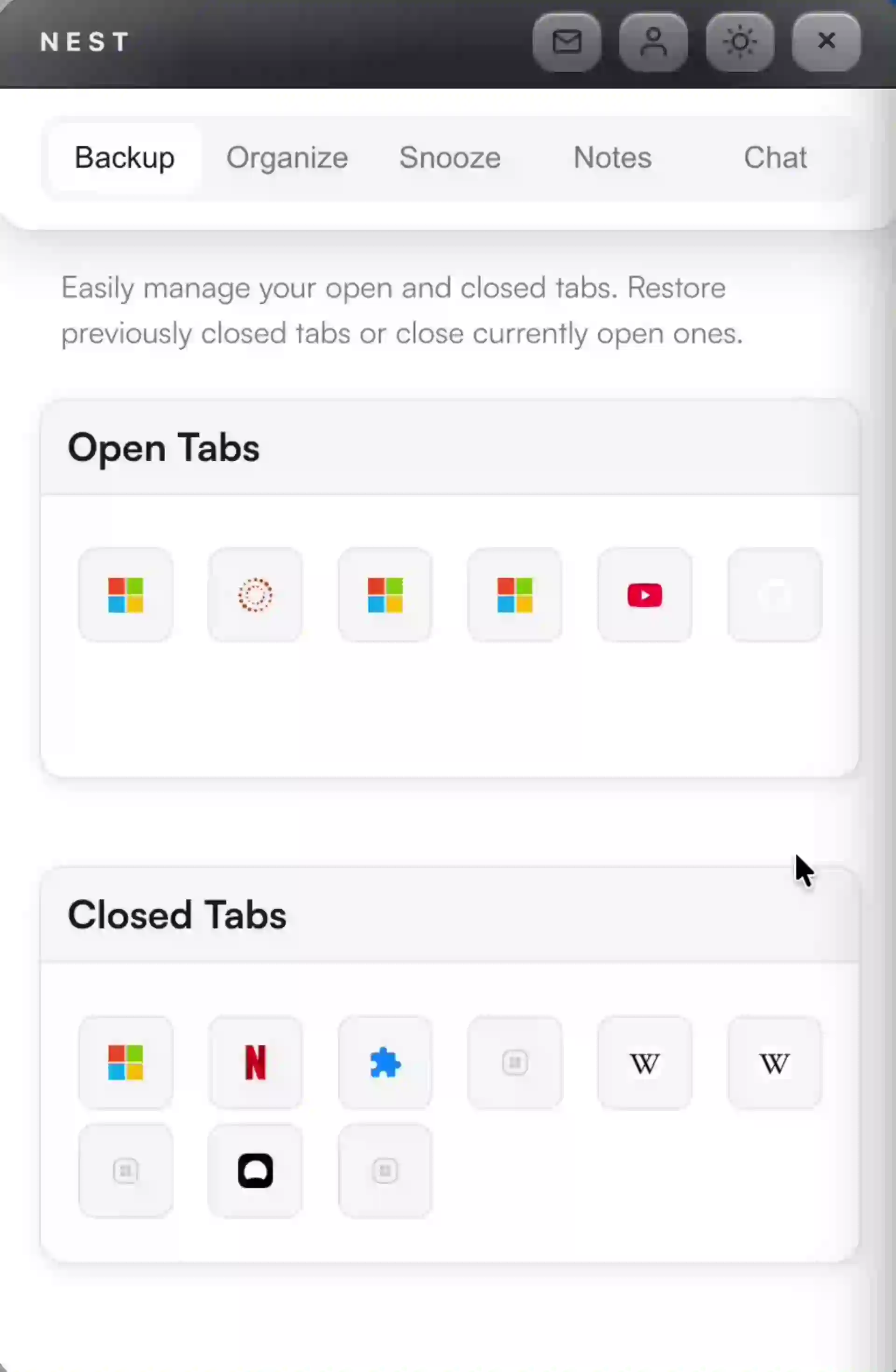
Instant backup and recovery
Closed a tab by accident or restarted Chrome? Nest keeps session backups so you can restore tabs fast. Save named sessions, export as HTML or JSON, and sync across devices.
Organize tabs with categories
Organize tabs into categories so related work stays together and projects are easy to resume.
FAQ
Nest adds searchable history, named session saving, and fast multi-tab restore, so recovery scales beyond one tab at a time.
Yes — save named sessions and restore them at once. You can also export backups as HTML or JSON.
Yes — with a Pro subscription, Nest syncs your tabs, sessions, and categories across devices with device grouping so you can see which tabs belong to which machine.
Keep every tab recoverable
Install Nest to back up sessions, save and sync across devices, export backups, and keep tab clutter under control.
Add to Chrome