Local-first by default
Nest keeps your tab data in Chrome until you explicitly turn on sync.
Organize tabs into groups, snooze distractions, save and restore sessions, export backups, sync across devices, and optionally use AI to manage everything.
Free core extension for Chrome. AI is an optional upgrade.
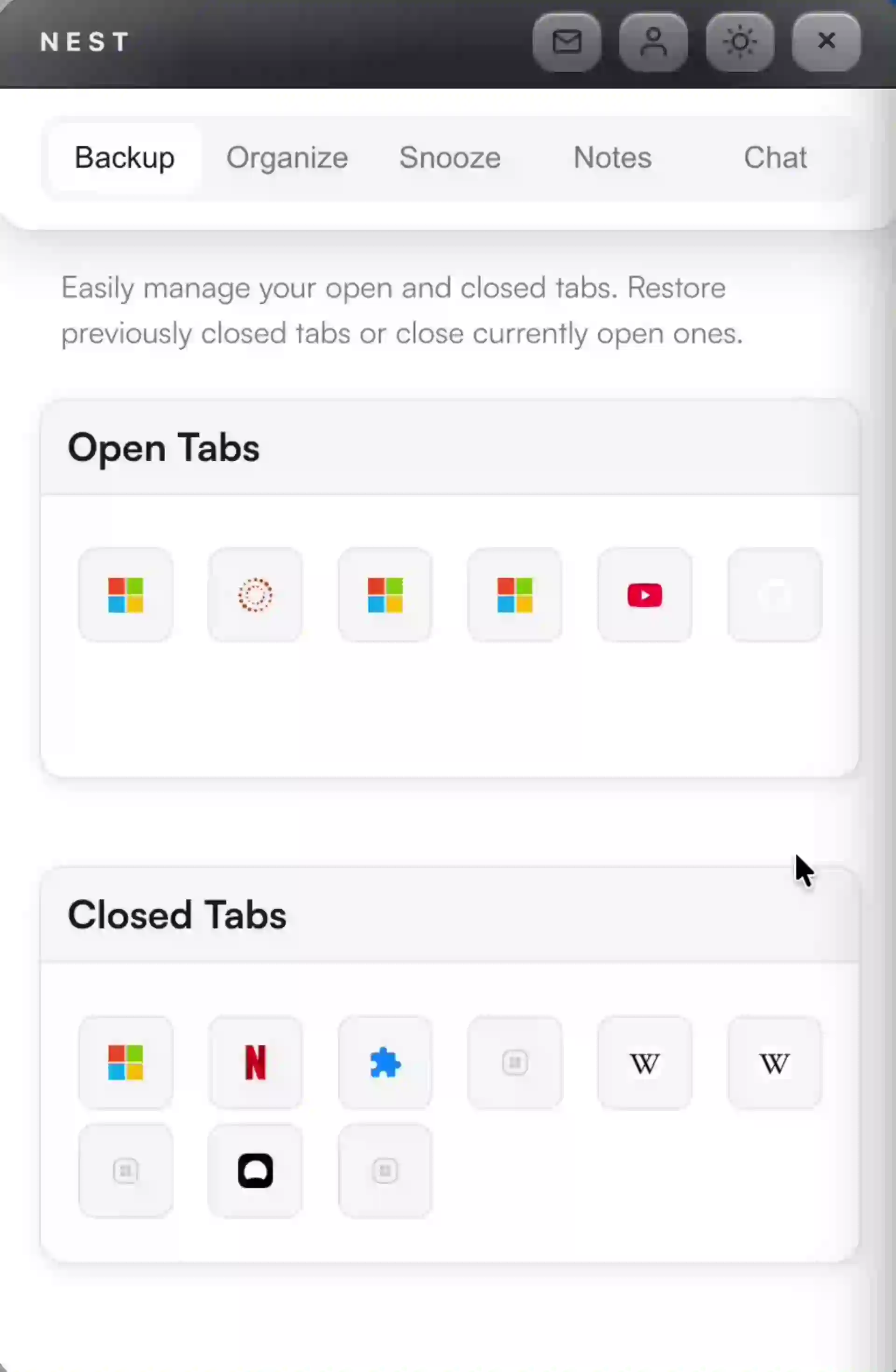
Restore closed tabs instantly, save named sessions to pick up later, export your tabs as HTML or JSON, and sync everything across devices.
Create custom groups, and Nest learns which sites belong where. Groups sync with Chrome's native tab groups so everything stays consistent.
Not a general chatbot. NEST Chat executes real actions — find tabs, close duplicates, save sessions, snooze distractions, and more.
Nest stays useful without asking for more than it needs. Sync is opt-in, page reading is opt-in, and sensitive data is masked before anything leaves the browser.
Nest keeps your tab data in Chrome until you explicitly turn on sync.
Content stays untouched unless you choose to run an AI action on a page.
Personally identifying details are redacted before anything leaves the browser.
Recover what matters, group active work, snooze distractions, and add AI later if it becomes useful.
Recovery, organization, planning, and optional automation live in one place instead of being split across multiple extensions.
Bring back closed tabs or full saved sessions without digging through history.
Sort active work into smart groups that learn where sites belong.
Hide distractions now and bring them back when you actually need them.
Add context to tabs and categories so the browser becomes a real workspace.
Use chat to clean up, summarize, compare, or act on tabs only when it helps.